Stories on the page. Voice just a scan away.
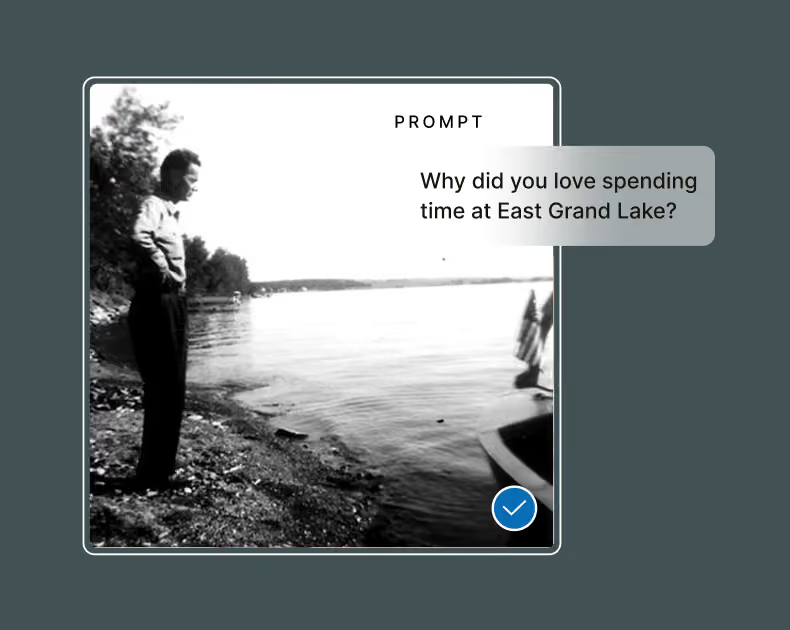
Pick the questions. Make them personal.
Choose from hundreds of prompts designed to surface stories your family never heard. Or upload photos to learn the story behind each one.
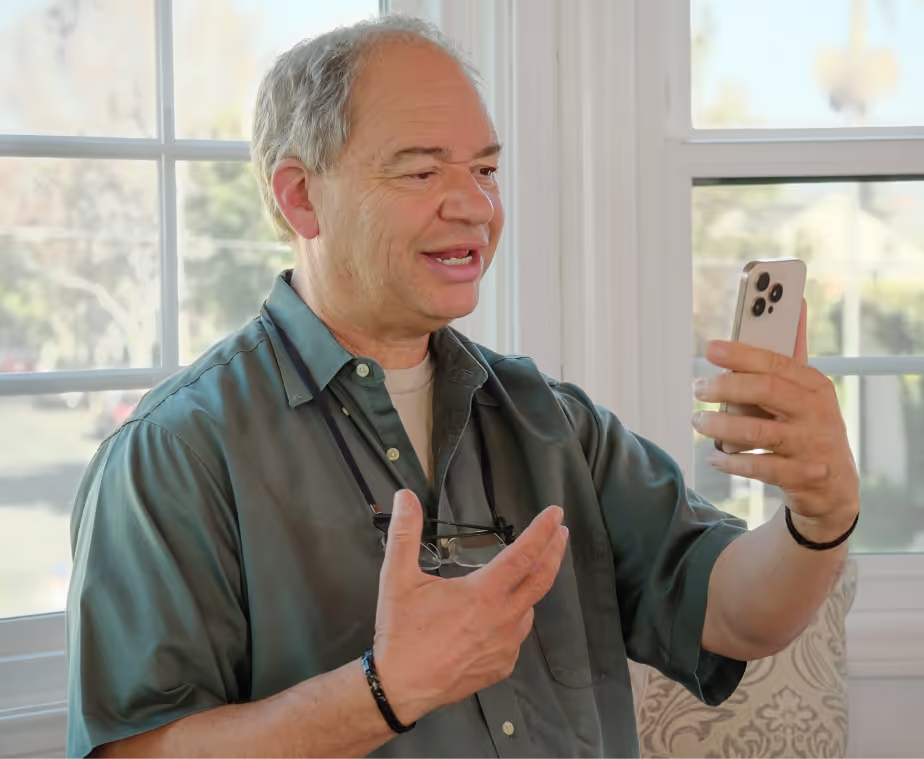
A question arrives. They just speak.
Every week, Remento sends them a prompt by email or text. No app. No login. No password. Two clicks and they're recording on any device.
Their words become a written story.
Speech-to-Story™ turns each recording into a polished written chapter. Word-for-word transcript or flowing narrative. Fully editable.
Your family hears it the moment it's done.
Every new story is instantly shared with the family. Read it, listen to it, react to it. For a lot of families, this becomes the best part of the week.
Frequently Asked Questions
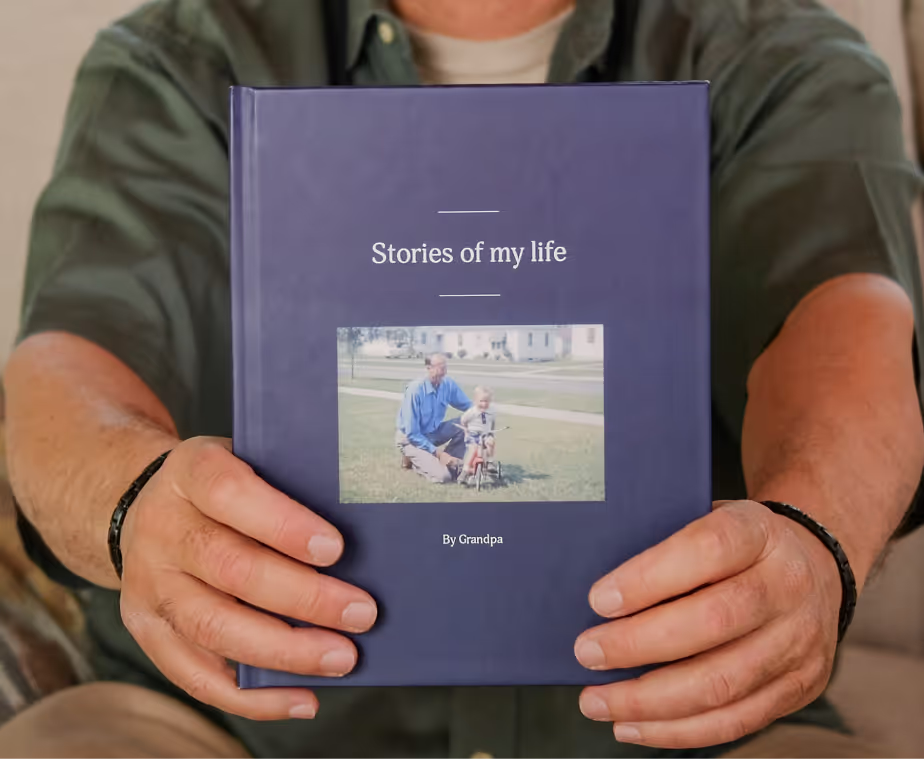
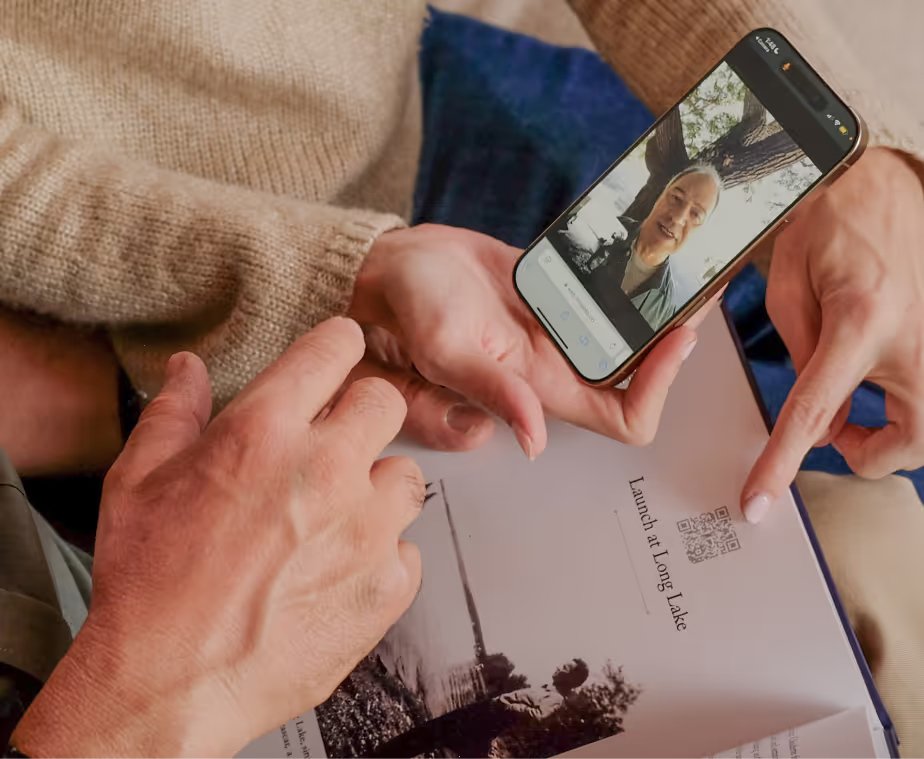
Someone you love has given you Remento to help turn your memories into a hardcover book. You simply record yourself answering questions about your life, and Remento turns your words into written stories. Your book can include photos, too. Each chapter includes a QR code your family can scan to hear your original recording, in your own voice.
You don’t need to do anything right now. The person who gave you Remento has already chosen questions and scheduled them for you. If your personal welcome email hasn’t arrived yet, it will soon. After that, you’ll receive questions by email or text with a link to record whenever you’re ready.
Want to explore now? Click “Log into my account” above to browse your questions, add photos, or record your first memory.
Yes. Your stories and recordings aren’t public by default. They’re shared within your Remento project with the person managing it and any invited family members or friends.
Not at all. Speak naturally, as if you’re talking to someone you love. Remento’s Speech-to-Story technology uses AI to turn your spoken words into a written story. You don’t need to write a script, speak perfectly, or organize everything in advance.
The person who gave you Remento has already selected questions to get you started. These can come from Remento’s collection of prompts or be questions they’ve written just for you. You can also choose different questions or tell a story of your own.
No to both. You can record on a smartphone, tablet, or computer by clicking the link in your email or text. There’s no app to download or password to remember for recording. Choose audio only if you’d prefer not to be on camera.
Absolutely. Family members can contribute questions, add photos, and enjoy your stories as you share them. Someone can also sit beside you while you record, ask questions, and help you feel comfortable. You don’t have to do this alone.
The person managing your Remento project and anyone invited to it can read your stories and listen to your recordings as they’re added. They can follow along throughout the experience, before your book is printed.
Each recording becomes a written story that can be included as a chapter in your book. When you’re ready, you and your family can review the text, add photos, arrange the chapters, and choose a cover. You’ll preview the book before placing the print order. The QR codes inside let readers hear the original recordings.
Yes. You and your family can add photos to accompany your stories, either now or later. An old photo can also be a great starting point for a memory. You don’t need to find or organize your photos before you begin recording.








“An A+ gift”
Tim Ferris
“A gift to your future self”
Mark Cuban
“Quite genius”
The New York Post
Trusted by thousands of families